Introducing optimized alertsusing AI to prevent more falls, while reducing alarms by up to 52%
Teton uses AI to assess which residents are at risk today, and alert staff to intervene before a fall happens. Built on 2,000+ analyzed falls.
Optimizing alertsto match the resident's actual risk
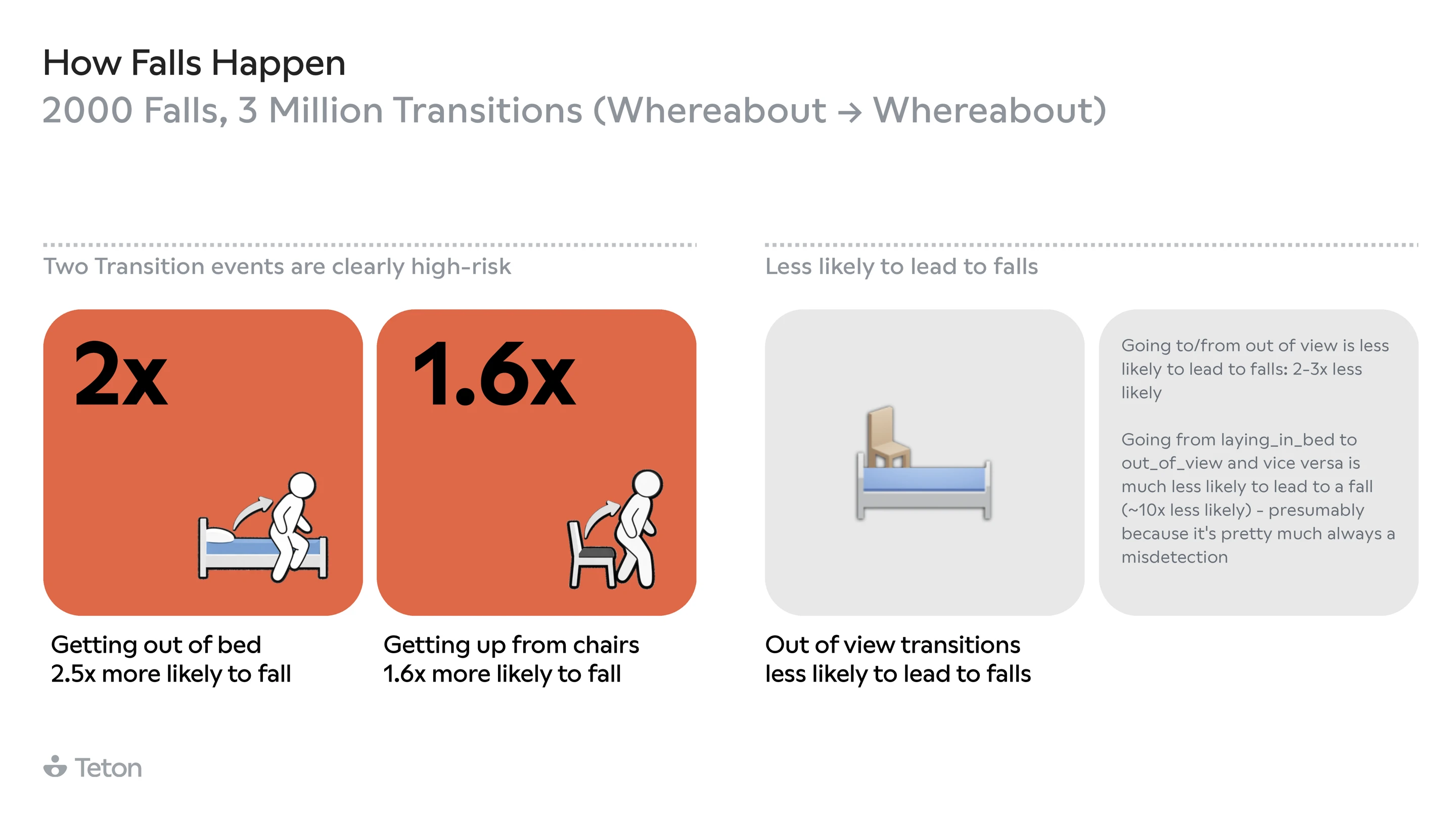
We analyzed over 2,000 confirmed falls to understand which resident actions actually lead to harm and when they're most dangerous. Optimized Alarms uses those findings to tailor sensitivity to each resident: adjusting for risk level, time of day, mobility aid usage, and health trends. The result is fewer, more meaningful alerts and more time for care teams to focus on the residents who need attention most.
Measured across 5 beta departments, 218 residents, 24–43 days post-launch. Same safety coverage, fewer unnecessary alerts.
4 new featuresthat work together
Presets define the rules. Prediction updates the risk. Mobility aid alarms fill the gap. Autopilot keeps everything current.
Match alarms to risk
Each risk level (Low, Medium, High) maps to a distinct set of alert rules. Every rule was calibrated against real falls, so the ones that fire are the ones that matter.

Predict risk and adapt daily
Every day, Teton analyzes 21 signals per resident like sleep, respiration, fall history, walking aid use, and more, then updates their alert profile before the next shift.

Tuned for day and night shifts
Every alert can be set differently for day and night, so it matches the needs of the shift your staff are actually on.
Monitor walking aids & wheelchairs
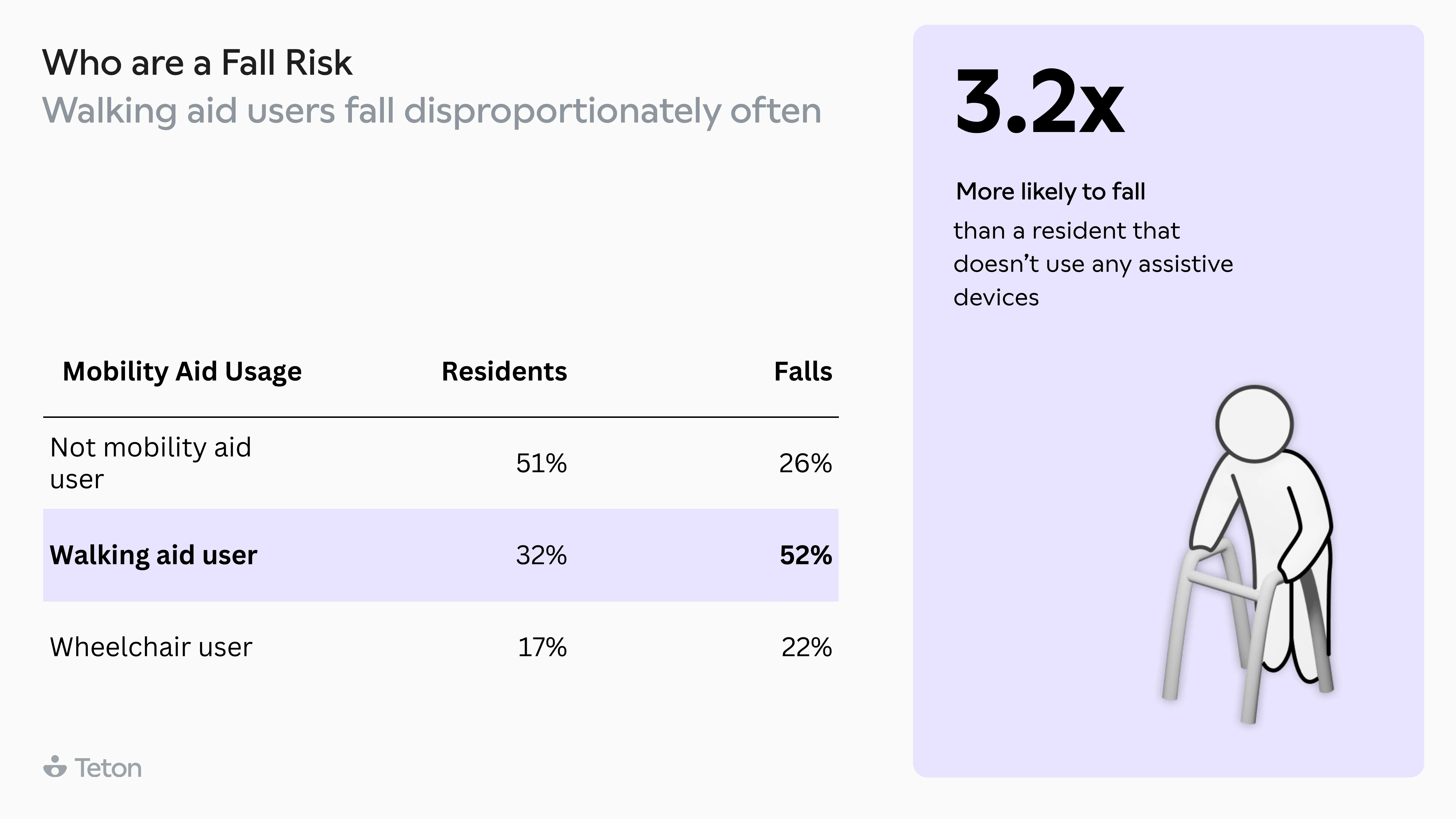
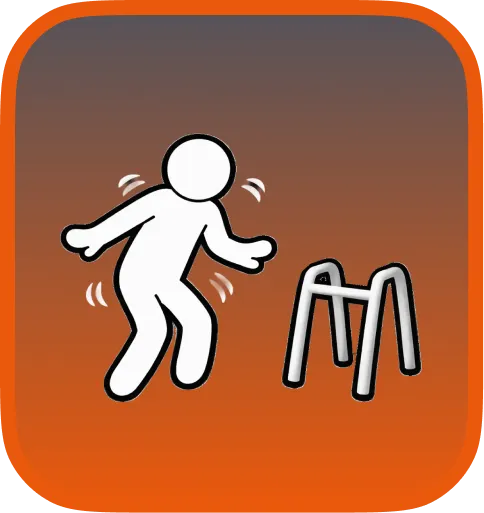
Walking aid and wheelchair users are 32% of residents but 52% of all falls. Teton alerts staff when the aid is out of reach, or when a wheelchair user tries to get up alone.
The interfaceyour staff will use
Staff just set the fall risk (Low / Medium / High / Auto) and whether the resident uses a walking aid. Teton automatically applies the combination of transition alerts proven to catch the most common fall patterns. If you choose auto, Teton will revisit the fall risk every day to match the resident's needs. Staff can still pick specific transitions in the custom tab if they prefer to set notifications themselves.
Fall Prevention Alerts
Choose presets
Resident fall risk
Medium
Walking aid alerts
No walking aid alerts
Preview enabled alerts
AutopilotYou don't need to track 100 residents manually
The system collects data from every sensor, factors in staff coverage, and recalculates each resident's fall risk daily. Subtle changes like worse sleep, rising respiration, or a recent incident cause sensitivity to increase. When things improve, it scales back down. Staff can always override.
DATA From Teton sensors

Irregular sleep

Walking aid user

Elevated respiration
Staff on shift
FALL RISK ASSESSMENT

High fall risk
Alarm configuration
What staff actually seealerting when it matters most

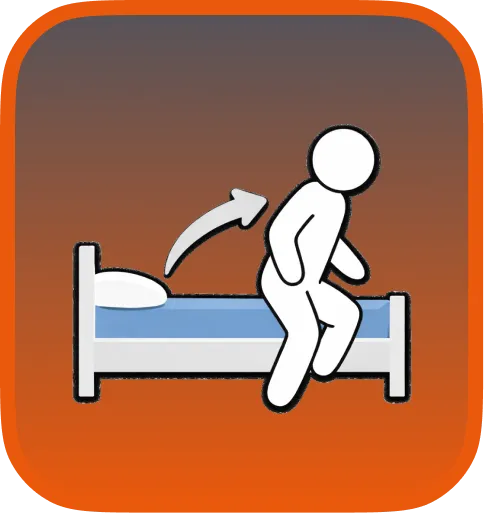
Getting out of bed
2.5x more likely to lead to a fall than any other transition.
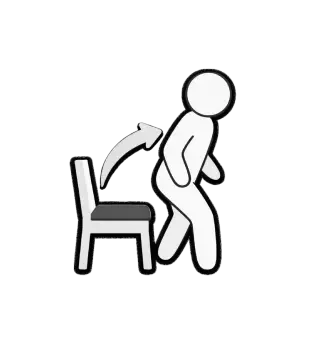
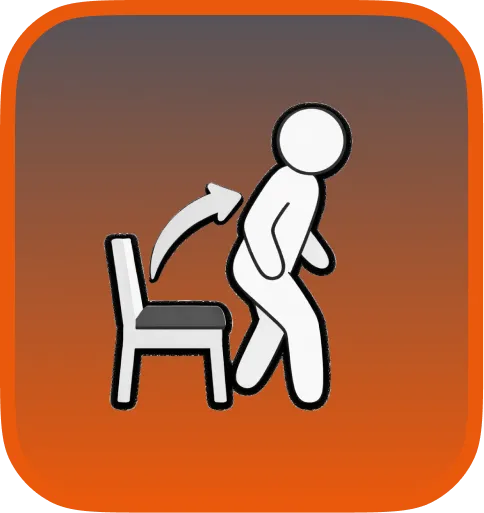
Getting out of chair
Alerts when a resident rises from a chair, especially after resting.

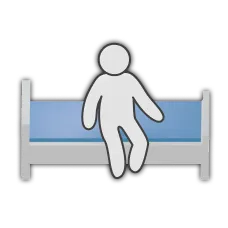
Sitting on bed edge
Gives staff time to assist before the resident tries to leave the bed.
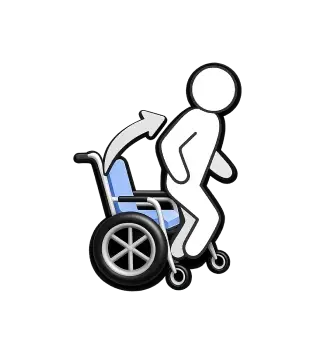
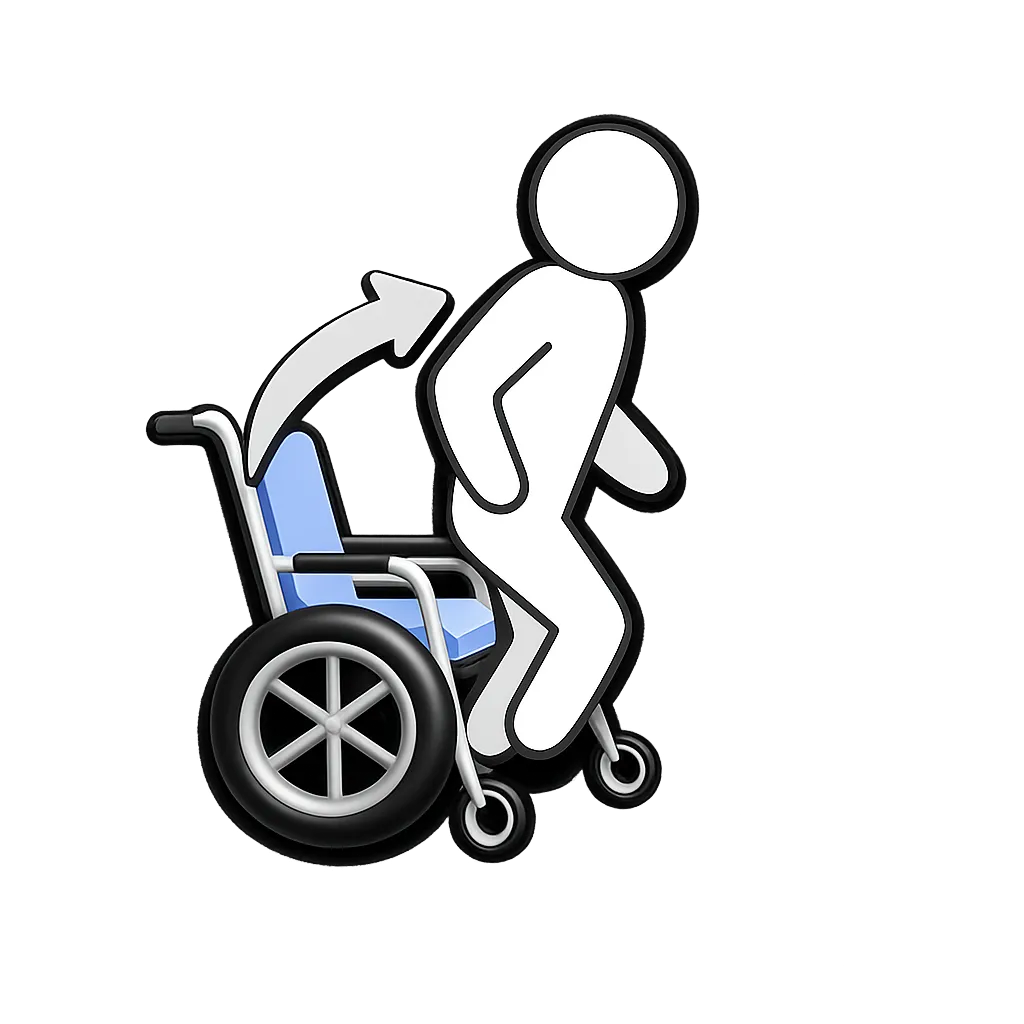
Wheelchair user getting up
Bed-to-wheelchair transfers are the most dangerous transition we observed.
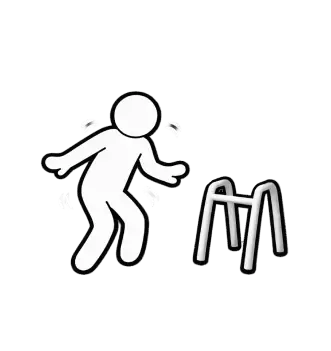
Walking without aid
Detects when a resident who requires a walking aid is walking without it. The most common fall pattern.

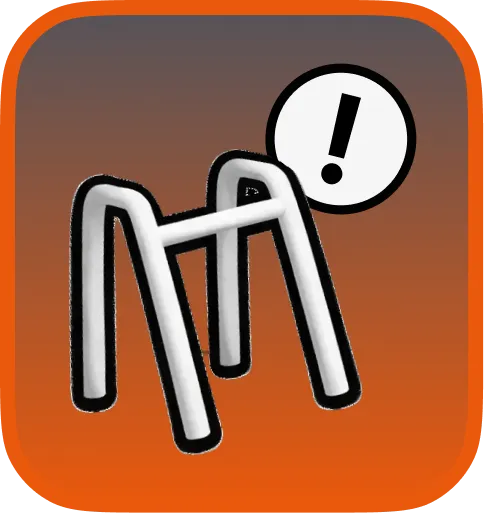
Walking aid out of reach
Alerts when the aid has moved more than 1 meter from the bed, before the resident's next transition.
ResultsMeasured across 5 departments that were already running Teton prior, over 218 residents
These sites had already cut their fall rates with Teton. Optimized Alerts delivered a further reduction on top of that, while shrinking notification volume and expanding coverage to more residents.
−16%
Additional fall reduction
On top of the reductions these sites had already achieved with Teton before Optimized Alerts launched.
−52%
Notifications per resident
From 24.6 to 11.7 alerts per covered resident per day. Less noise, without missing what matters.
+20%
More residents covered
Coverage expanded from 50% to 60% of residents. 20% more residents now get fall prevention alerts, on the same staff.
Measured across 5 beta departments, 218 residents, 24–43 days post-launch, compared against matched pre-launch baselines at the same sites. Same safety coverage, fewer unnecessary alerts.